Web & Mobile
Launched
Verve UI
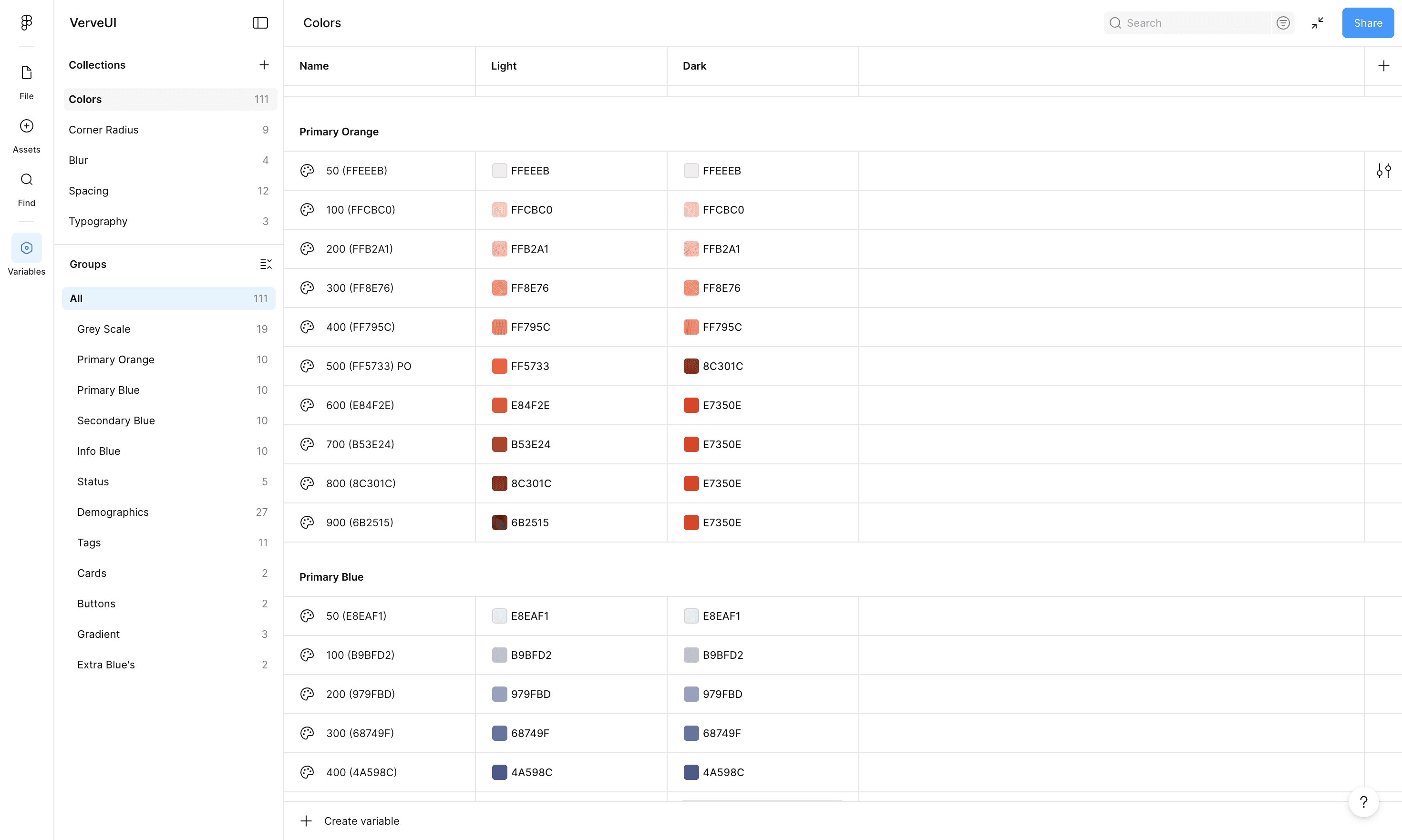
Rebuilt Verveware's component library from the ground up, introducing variables and conditional components to support rapid product development across web and mobile platforms.

Summary
I feel grateful to work with a design-forward team at Verveware. Our CEO built the first version of the website himself, he loves rounded corners, bento box layouts, and is really keen on spacing. That design sensibility shaped everything we built.
I had worked on the design system earlier, but the main file became too component-heavy. Too many nested components made Figma crawl. Prototypes took forever to load and the file was nearly unusable. We decided to switch gears: build a broad base component library covering everything we need, and keep the main working file focused on frames and using those components.
Impact
Files are fast again
No more waiting for prototypes. No more crashes. We can focus on design, not fighting the tool.
40% faster workflows
Screen creation time dropped significantly. We move quickly without hunting through hundreds of variants.
Consistent, trustworthy products
Visual consistency across web and mobile while keeping the design sensibility that makes Verveware feel like Verveware
Ready to grow
We've gained stability, and now we have a system that scales. New features inherit existing patterns without requiring constant system updates.
What Went Wrong
We wanted the main file to work seamlessly like a real website, so we made everything component-based. Screens became components. Tables became components. Table cells became components. Everything nested inside everything else.
It slowed Figma to a crawl.
We were scaling rapidly, and instead of building components first and using them in design files, we were reverse engineering. We kept adding new components directly to the design file to meet various requirements and never really updated the components library.
It was working fine—until it wasn't. The Figma file became too heavy. Prototypes took forever to load. Designing a new screen became painfully slow. We couldn't scale like this.
Starting over
Lesson learned. We decided to shift gears, and I went knee-deep to rebuild everything from scratch.
We had more than 100 screens, hundreds of variables, and complex prototype flows. But before tackling that mammoth task, we had to start with the components library. Clean and simple.
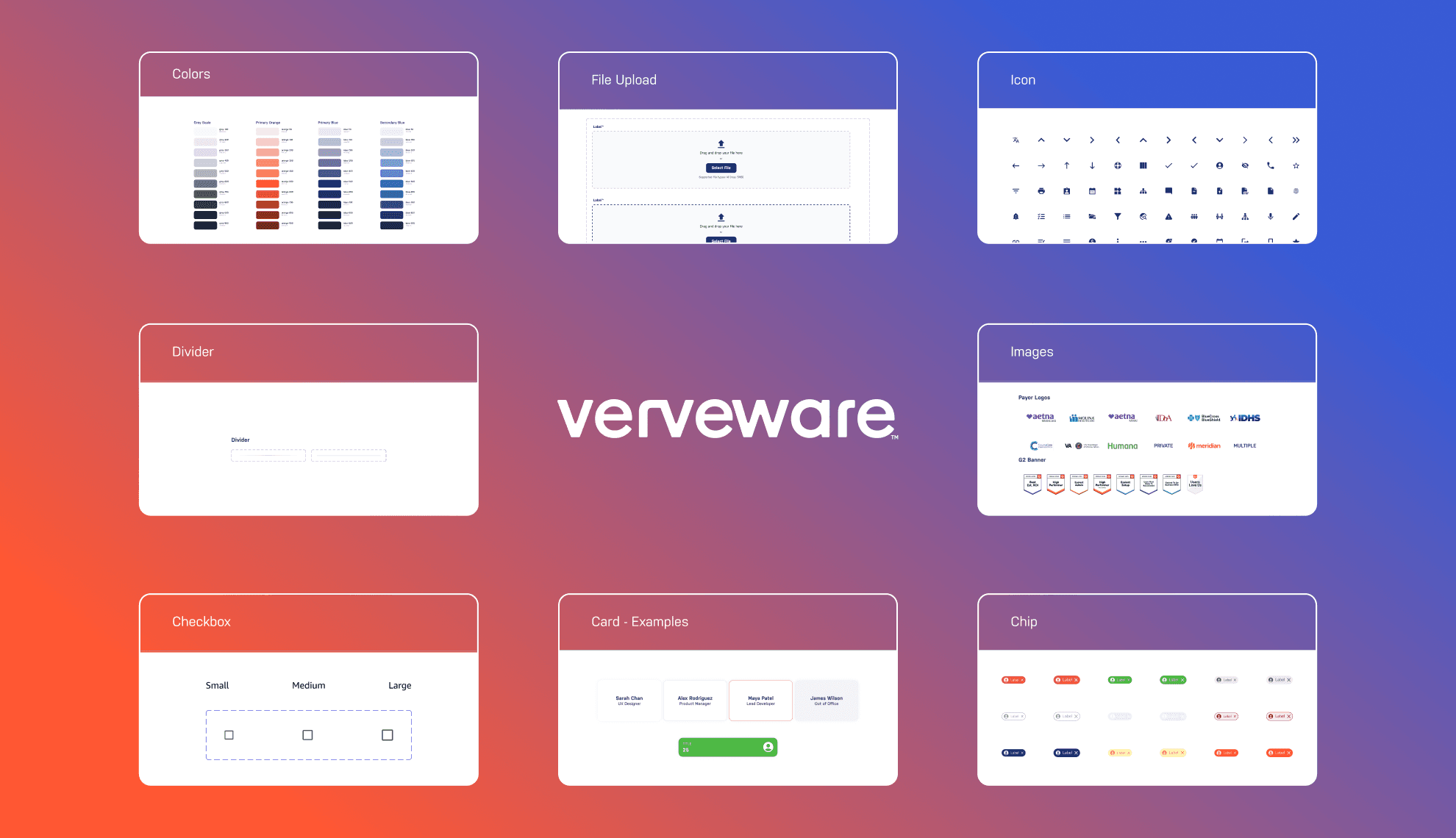
Introducing Verve UI 2.0
We built everything here. Buttons, forms, tables, cards, navigation, all the core pieces. Very simple. No complicated logic. No prototypes. Just base components that work.
The new design file approach
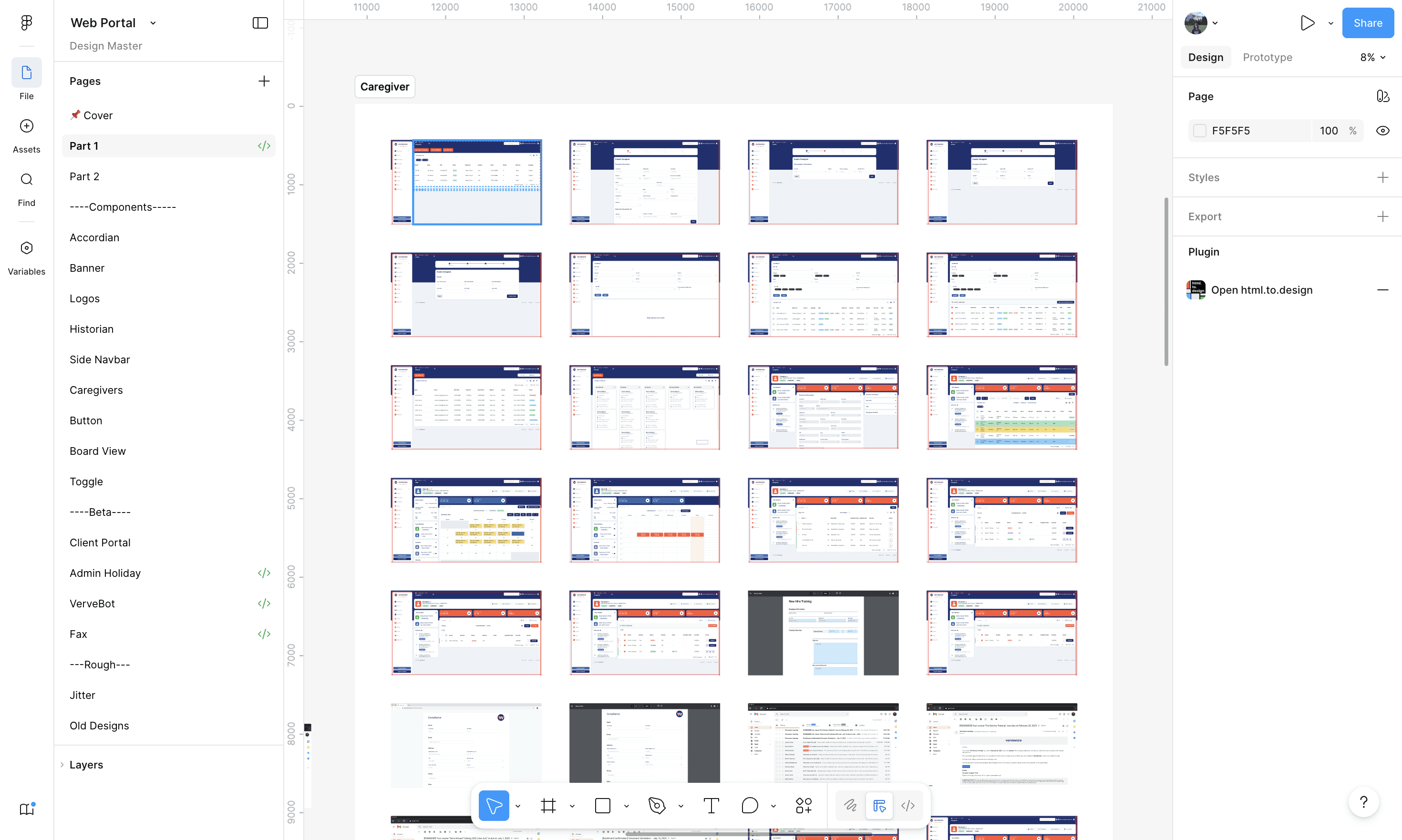
Everything is frame-based now. We use cards and layout frames for structure. Only specific elements like table components are actual components from the library.
Pros:
Visually easy for developers to follow the flow—nothing is nested inside components and hidden. They can see exactly how things are structured.
Cons:
Sometimes we have to create more screens to show different states instead of relying on component variants. But it's worth it for the performance gain.